Description
Before you start
A few things that make the organizer work smoothly.
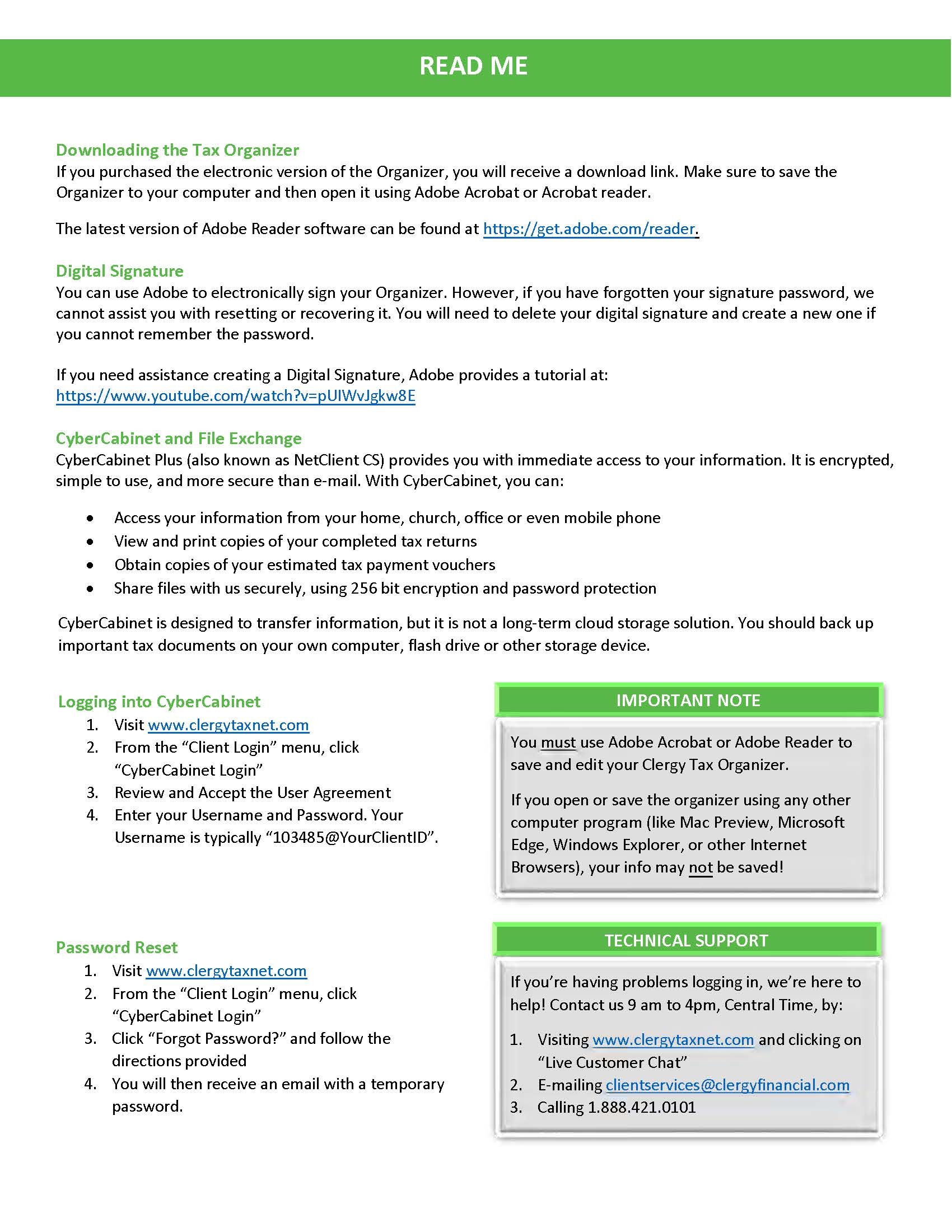
Works in your browser
No software to install. Enter your information online, save as you go, and generate a PDF of your data when you’re done.
Find it again later
Your organizer is ready at the end of enrollment. To come back to it, use the organizer link.
Upload once, when final
Upload only the final version to CyberCabinet. Please don’t send duplicate documents or receipts.
State Worksheet
Required with your organizer.
Print and complete a worksheet for your resident state. If you lived in more than one state during the year, complete one for each. Open the 2025 State Worksheets. Submit it with your other tax materials by mail, fax or secure upload to your CyberCabinet.
Advanced Tax Planning
Optional, in Step 3 above.
A one-on-one strategy session that goes beyond tax preparation, to help you find opportunities, avoid costly mistakes and plan ahead. $300 per hour, billed on actual time. A $300 retainer reserves advisor time and is applied toward services.
Common questions
About the organizer and your order.
Is the organizer an extra charge?
No. The $45 is applied as a deposit toward your tax service fees.
When do I get the organizer?
At the end of the enrollment process. You can find it again later with the organizer link.
Do I need the optional services?
No. Only the organizer is required. Add Audit Protection Plus, document storage or the Housing Allowance Guide if they help you.
Can I return it?
See the Refund & Return Policy tab above.
I’d rather have someone help me.
Our team works with churches and clergy every day. Email [email protected] or call (888) 421-0101.